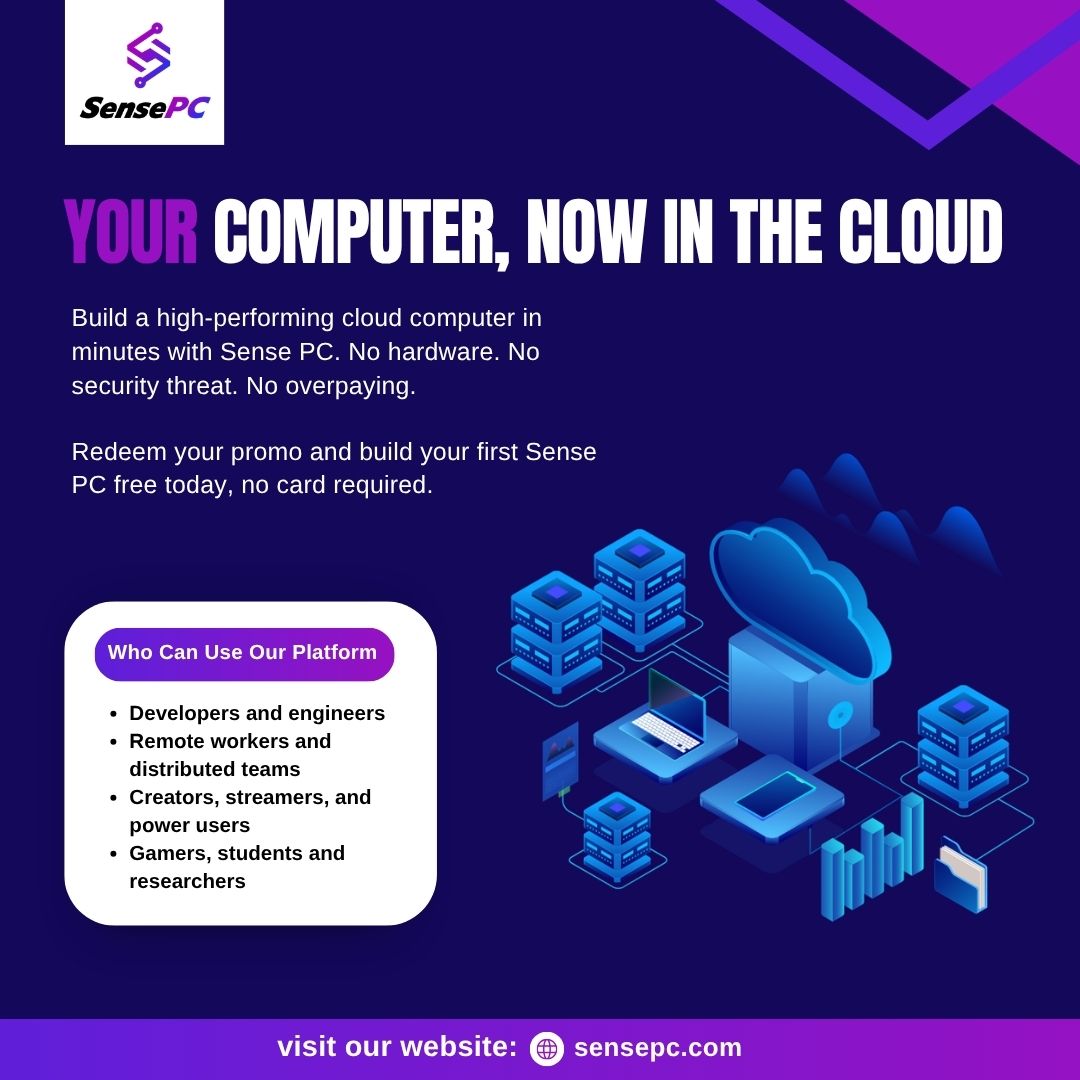
A cloud desktop gives users access to a complete computer hosted remotely, allowing them to run applications, manage files, and use computing resources without purchasing a powerful physical machine.
For gamers, cloud computing creates another way to enjoy gaming pc cloud. Instead of upgrading a local computer, users can connect to a remote gaming PC with dedicated graphics resources and stream the desktop to a supported device.
SensePC brings cloud desktop technology and cloud computing gaming together, offering configurable remote computers for gaming, productivity, development, and personal use.
1. What Is a Cloud Desktop?
A cloud desktop is a computer environment hosted on remote cloud infrastructure. Users connect through the internet and interact with the operating system as they would with a traditional desktop.
Unlike remote access software that connects to a computer you already own, a cloud desktop provides a separately provisioned computer with configurable resources.
A cloud desktop can be used for:
Everyday computing and productivity.
Gaming and entertainment.
Software development and programming.
Creative applications and design.
Remote work and education.
GPU-intensive computing tasks.
This approach makes powerful computing resources accessible without requiring users to purchase and maintain all the physical hardware themselves.
2. What Is Cloud-Based PC Computing?
Cloud-based PC computing moves the main computing workload from a local device to remote infrastructure.
The cloud computer handles processing, memory, storage, and supported graphics workloads. Your local device connects to the remote desktop and displays its output.
Some important advantages include:
Remote accessibility: Connect from supported computers and laptops.
Flexible configurations: Choose CPU, RAM, GPU, and storage according to your needs.
Reduced hardware dependency: Run demanding applications without relying entirely on local specifications.
Scalable resources: Adjust available computing resources when your workload changes.
Flexible billing: Pay according to your selected usage plan.
Cloud PCs are useful for individuals and businesses that need computing resources without investing in additional physical machines.
3. How Does Cloud Computing Gaming Work?
Cloud computing gaming allows games to run on remote computers instead of being processed entirely by your local hardware.
The remote gaming PC handles game execution and graphics rendering, while gameplay is streamed to your connected device.
The process generally works as follows:
Choose a suitable cloud gaming PC configuration.
Create and launch your remote computer.
Connect through a supported browser or desktop client.
Sign in to compatible gaming platforms.
Install and launch games supported by the configuration.
Control gameplay using your keyboard, mouse, or supported controller.
A stable internet connection, suitable server location, and low network latency are important for a responsive gaming experience.
4. Benefits of Cloud Computing for Gaming
Cloud computing provides an alternative to purchasing and upgrading expensive gaming hardware.
Key benefits include:
Lower upfront hardware investment: Access remote gaming resources without buying a complete desktop.
GPU-powered performance: Use suitable remote graphics hardware for compatible games.
Flexible access: Connect from supported Windows and macOS computers.
Persistent storage: Keep supported installations, files, and settings between sessions.
Flexible billing: Choose hourly, daily, or monthly usage.
Multiple workloads: Use the same cloud desktop for compatible games, productivity, and development applications.
The gaming experience depends on hardware configuration, game compatibility, streaming settings, and network conditions.
5. Cloud Desktop vs. Traditional Desktop PC
Feature
Traditional Desktop
Cloud Desktop
Hardware location
Local computer
Remote infrastructure
Hardware ownership
User-owned
Provider-hosted
Initial investment
Usually higher
Depends on usage plan
Maintenance
User-managed
Provider-managed
Computing resources
Fixed by purchased hardware
Configurable options
Device access
Primarily local
Supported connected devices
Internet dependency
Not always required
Required for remote access
A traditional desktop is suitable for users who prefer hardware ownership and local performance. A cloud desktop is useful for those who value remote access and flexible computing resources.
6. Why Choose SensePC for Cloud Desktop and Gaming?
SensePC provides configurable cloud computers, virtual pc for gaming designed for gaming, work, learning, development, and other computing workloads.